
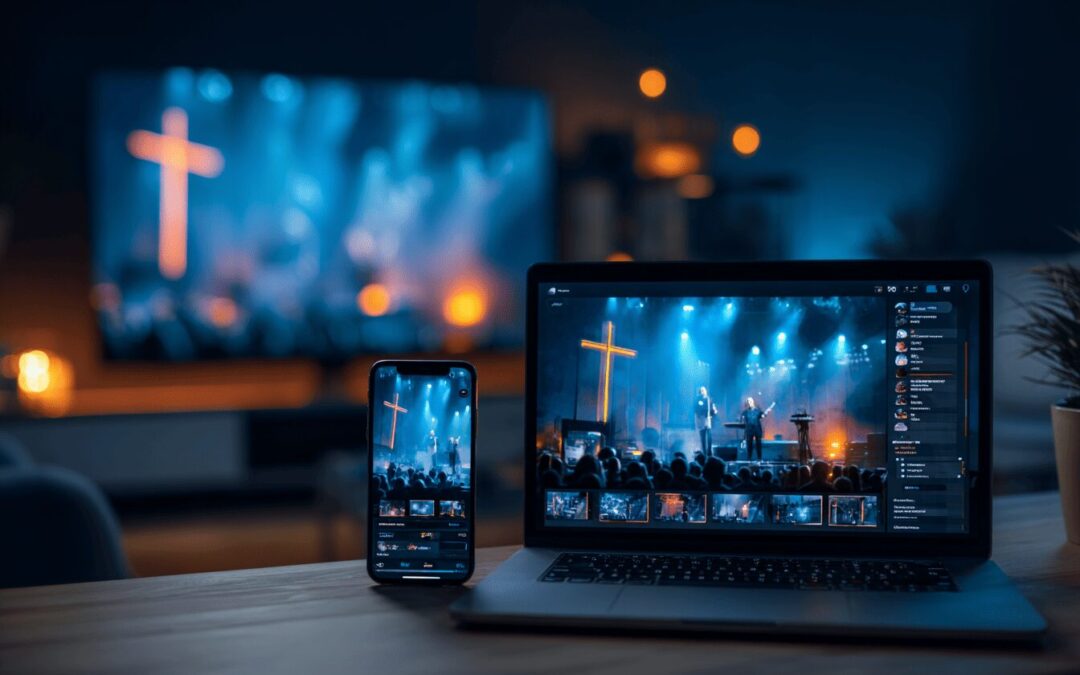
SermonCast clarifies exactly how to livestream church service on a budget by engineering an affordable, broadcast-quality digital ministry architecture. Our team executes a seamless integration of budget-friendly hardware and an ad-free Global CDN to ensure your message reaches your online campus without Sunday morning buffering or technical failures.
Get Your Free Custom AV QuoteWhat Is the Essential Budget Video Gear for Church Livestreaming?
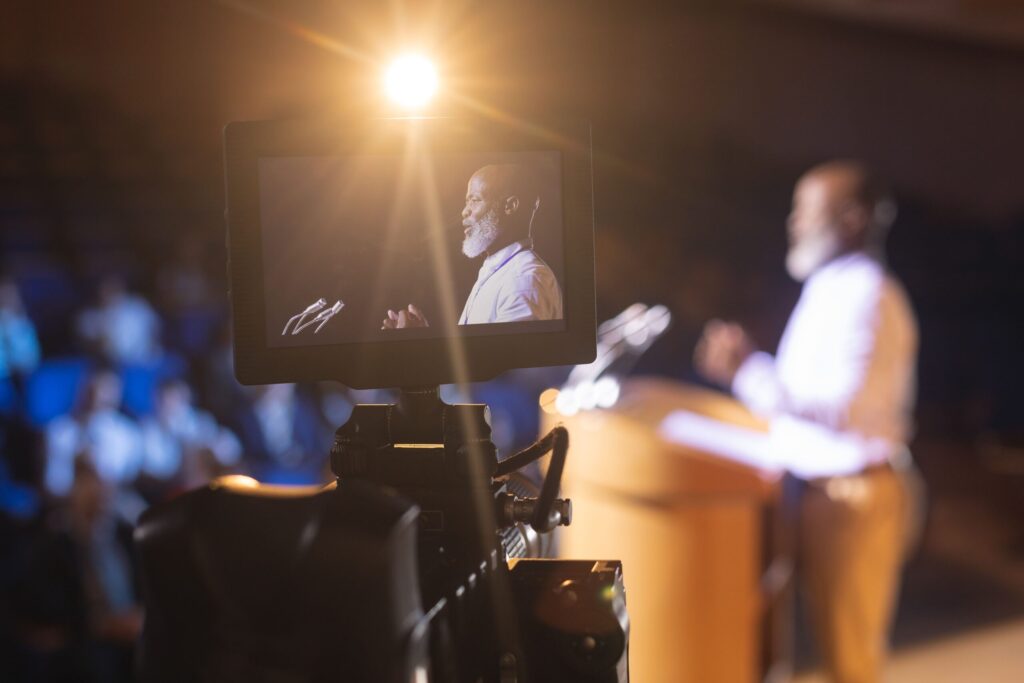
SermonCast establishes the foundation for your visual digital ministry by migrating churches away from unreliable webcams to clean-HDMI camcorders and dedicated capture cards. We mandate using tripods with fluid heads and continuous AC dummy batteries to eliminate the primary pain points of blurry, shaky video and mid-sermon power failures. By routing a flagship smartphone or used camcorder through a $50 HDMI to USB capture card, ministries can connect directly to a laptop without spending thousands on professional video switchers. SermonCast engineers this precise hardware configuration to ensure your volunteers understand exactly how to livestream church service on a budget without sacrificing visual clarity.
Smartphones vs. Budget Camcorders
Repurposing an existing flagship smartphone offers a free entry point, but it lacks the optical zoom required for large sanctuaries. Upgrading to a used budget camcorder with clean HDMI output provides true optical zoom, keeping the pastor's face sharp from 50 feet away without digital pixelation.
The Role of Capture Cards Under $50
A capture card translates the camera's visual data into a format your laptop can broadcast. Avoiding generic $15 knockoffs that overheat after 45 minutes guarantees stable 1080p transmission to your online campus.
SermonCast Church Livestreaming Gear Cost vs. Quality Matrix 2026
| Hardware Tier | Video Source | Zoom Capability | Continuous Power |
|---|---|---|---|
| Entry (Free/$50) | Flagship Smartphone | Digital (Blurry at distance) | Requires separate wireless charging rig |
| Budget ($250-$400) | Used Clean-HDMI Camcorder | Optical (Sharp at distance) | AC Dummy Battery (Mandatory) |
| Processing | $50 HDMI to USB Capture Card | N/A | USB Bus Powered |
How Do We Achieve Clear Audio in Cavernous Sanctuaries for Our Digital Ministry?
Our team calculates the precise audio latency and reverb profiles of empty pews to completely bypass on-camera microphones, routing clean sound directly from your soundboard. We execute a strict cable pathway from the Front of House (FOH) Aux Send through a ground loop isolator and into a USB audio interface, eliminating the ubiquitous electrical buzz caused by aging church wiring. This guarantees that both the pastor's sermon and the worship band's music translate with crystal-clear fidelity to the online broadcast computer.
Pulling Clean Audio from the Soundboard
Relying on a camera microphone captures echoing pews and crying babies. Routing a dedicated Aux mix allows your sound engineer to level the pastor's voice separately from the in-room speakers, ensuring remote viewers hear a professional, studio-like mix.

SermonCast Church Audio Routing Protocol
- Assign a dedicated Aux Output from the FOH mixer for the online campus feed.
- Connect an inline Ground Loop Isolator to sever 60Hz electrical hums.
- Route the isolated XLR/TRS cable into a dedicated USB Audio Interface.
- Bypass the PC's generic soundcard to prevent internal motherboard static.
- Apply mild compression to the pastor's vocal channel to prevent digital clipping.
- Never use the camera's built-in microphone for the final broadcast output.
Which Free Streaming Software, Like OBS Studio, Prevents Automated Copyright Muting?
The Simulated Live Protocol clarifies the exact OBS Studio encoding parameters needed to stream smoothly from older, low-end laptops without dropping frames or triggering CPU overloads. We optimize 720p or 1080p bitrates to stabilize the broadcast while navigating the severe risks of ASCAP/BMI sweeps on free social platforms. Because Facebook and YouTube algorithms routinely issue copyright strikes against worship music, even with a valid CCLI streaming license, our ad-free hosting guarantees your message remains uninterrupted. SermonCast bypasses these aggressive algorithmic takedowns entirely, proving exactly how to livestream church service on a budget while maintaining full legal compliance and spiritual focus.
OBS Studio Setup for Low-End Laptops
OBS Studio is a powerful, free encoder, but it causes volunteer tech burnout if misconfigured. Capping the output at 720p with a 3000 kbps bitrate using hardware encoding (QuickSync or NVENC) prevents stream crashes on aging church laptops.
Navigating CCLI and YouTube Muting
A CCLI license covers the legal right to stream worship lyrics, but it does NOT stop automated YouTube/Facebook bots from muting your Sunday morning feed. Transitioning to a dedicated platform shields your digital ministry from secular takedowns.
SermonCast OBS Optimization & Copyright Guidelines 2026
- Set Base Canvas to 1920x1080 and Output Scaled Resolution to 1280x720 to save CPU.
- Configure Video Bitrate between 2500 kbps and 4000 kbps for stable delivery.
- Enable Hardware Encoding (x264 is CPU heavy; use NVENC if an NVIDIA card is present).
- Secure a CCLI Streaming License to legally cover worship band performance royalties.
- Avoid Facebook Live for worship sets to prevent algorithmic mid-service muting.
- Utilize SermonCast's Simulated Live feature to pre-record and bypass live software stress.
What Internet Networking Rules and Global CDN Integrations Prevent Sunday Morning Buffering?
SermonCast mitigates severe neighborhood ISP congestion during Sunday morning bandwidth peaks by integrating your hardwired Cat6 ethernet feed directly into our resilient Global CDN. We mandate disabling Wi-Fi entirely for the broadcast computer, as hundreds of congregation smartphones entering the building will instantly congest local wireless networks and cause packet loss. By securing a dedicated upload speed of at least 10 to 15 Mbps, we ensure a stable, zero-buffering architecture that handles audience spikes from 10 to 10,000 concurrent viewers.
SermonCast Church Broadcast Internet Do/Don't Checklist
| Networking Protocol | Do (SermonCast Standard) | Don't (Generic Risk) |
|---|---|---|
| Connection Type | Hardwire the broadcast laptop via Cat6 Ethernet directly to the core router. | Rely on Sanctuary Wi-Fi, which collapses when 300 iPhones connect at 10 AM. |
| Upload Speed Minimum | Dedicate a strict 10 to 15 Mbps upload exclusively for the OBS stream. | Ignore bandwidth limits, causing severe buffering and packet loss. |
| Router QoS Settings | Implement Quality of Service (QoS) rules to prioritize the broadcast PC's IP address. | Allow guest Wi-Fi users downloading videos to throttle the live feed. |
| Delivery Network | Transmit via a Global CDN to instantly distribute server loads across regions. | Host locally or on unoptimized servers that crash during Christmas spikes. |
How Can Volunteer Tech Teams Manage Budget Lighting and Church Livestreaming Operations?
Our team simplifies complex stage exposure by engineering a basic 3-point lighting setup using budget LED panels matched to the sanctuary's natural color temperature (Kelvin). We eliminate volunteer intimidation by generating laminated, step-by-step Standard Operating Procedure (SOP) checklists that govern the entire startup and shutdown process. This operational structure prevents washed-out faces on camera and ensures non-technical church members can confidently execute the Sunday morning broadcast without fear of breaking the system. SermonCast equips your volunteer ministry with these foolproof operational checklists, demonstrating exactly how to livestream church service on a budget without causing burnout among your tech team.
Simple 3-Point Altar Lighting
Shadows and harsh contrast ruin video encoders. Placing an affordable LED Key light and Fill light at 45-degree angles from the pastor, balanced to daylight (5600K) or tungsten (3200K) depending on the room, drastically improves image quality. A subtle backlight separates the pastor from the baptismal background.
Sunday Morning Checklists for Non-Techies
Tech means nothing without people. Providing a highly visible clipboard SOP in the tech booth prevents critical errors, ensuring that audio channels are unmuted and the SermonCast Simulated Live countdown initiates on schedule.
SermonCast Tech Booth Sunday SOP
- T-Minus 60 Min: Power on LED panels, verify 5600K color temperature match.
- T-Minus 45 Min: Launch OBS Studio, check camera HDMI capture source.
- T-Minus 30 Min: Verify FOH Aux audio levels via USB interface headphones.
- T-Minus 15 Min: Initiate SermonCast Simulated Live countdown timer.
- T-Minus 5 Min: Confirm multi-platform rebroadcast to Facebook/YouTube is active.
- Post-Service: Stop stream, export local hard drive backup recording.
What Is the Roadmap for Scaling to PTZ Cameras and Multi-Cam Digital Ministry Setups?
The Future-Proofing Protocol calculates the exact lifecycle of your budget AV gear, ensuring that today's $50 capture card transitions seamlessly into tomorrow's multi-cam setup. We execute a strategic phased upgrade path, moving ministries from static camcorders to dynamic PTZ (Pan-Tilt-Zoom) cameras integrated via the NDI (Network Device Interface) protocol. This prevents the wasteful cycle of buying cheap, disposable consumer gear and instead builds a robust, scalable digital infrastructure that grows alongside your online congregation.
SermonCast Phased Scalability Roadmap 2026
- Phase 1: Establish baseline reliability with a single tripod camera and USB capture.
- Phase 2: Introduce a budget hardware encoder (like the ATEM Mini) to allow a second camera or presentation PC input.
- Phase 3: Upgrade to a PoE (Power over Ethernet) PTZ Camera to run video, control, and power over one Cat6 cable.
- Phase 4: Implement NDI routing to wirelessly capture ProPresenter lyrics from a separate computer onto the stream.
- Phase 5: Shift entirely to a dedicated online campus web portal with integrated sermon notes.
Why Partner with a Dedicated Online Campus Provider Rather Than Using Free Platforms?
SermonCast provides expert AV system design and distraction-free video hosting tailored specifically for small-to-medium congregations seeking professional results without the mega-church price tag. We eliminate the spiritual disruption of secular mid-roll advertisements and generic competitor videos by centralizing your broadcast on a custom-built online campus featuring integrated sermon notes and live attendance tracking. Our comprehensive tech support guarantees that your system is designed flawlessly, removing the burden of troubleshooting from the pastor's shoulders. SermonCast delivers customized system integration and ad-free hosting to show your leadership team how to livestream church service on a budget with absolute Sunday morning confidence.
Expert Guidance Without the Mega-Church Price Tag
While DIY setups on YouTube are possible, a dedicated platform transforms passive viewers into engaged online attendees. Your ministry gains the tools to actively monitor digital attendance while maintaining a pristine, distraction-free environment.
Church Tech Support
Professional installation guidance and operational troubleshooting dedicated to ministries.
Zero Ad Distractions
Protect your pastoral message from inappropriate third-party secular advertisements.
Budget System Design
Customized integration engineered to maximize the impact of small-to-medium church budgets.
What Are the Most Frequently Asked Questions About Church Livestreaming on a Budget?
Our team clarifies common technical hurdles by mapping out contingency plans for network failures and detailed fixes for hardware processing latency. We calculate the precise "Sync Offset" inside OBS Studio's Advanced Audio Properties, typically delaying the soundboard audio by 200ms to 500ms, to perfectly match the slower video processing of budget capture cards. Furthermore, we mandate that 5G cellular hotspots only be used as emergency backups, as local cellular towers become heavily congested the moment a large congregation arrives for service.
Can we use a mobile hotspot for church streaming?
Cellular bonding or 5G hotspots can function as a secondary failsafe, but they are highly risky as a primary network. When hundreds of church members enter the sanctuary, their devices ping local cell towers, causing massive neighborhood bandwidth congestion and resulting in dropped livestream frames.
How do we fix lip-sync issues between audio and video?
Because direct soundboard audio processes almost instantly while budget video capture cards take time to render frames, a lip-sync gap occurs. In OBS Studio, right-click the Audio Mixer, select Advanced Audio Properties, and apply a Sync Offset (typically 300ms) to the FOH audio feed to align it perfectly with the camera video.
SermonCast Troubleshooting Diagnostics
- Audio Buzzing: Install a Ground Loop Isolator between the soundboard and interface.
- Frame Drops: Lower OBS bitrate to 2500 kbps and ensure Cat6 hardline connection.
- Overheating: Discard generic $15 USB capture cards for verified heat-dissipating units.
- Platform Muting: Transition away from free social media to an ad-free Christian platform.
- Washed Out Faces: Turn off auto-exposure on the camcorder and manually set Iris/ISO.
- CPU Overload: Switch OBS encoding from x264 software to hardware (NVENC/QuickSync).
How Do We Launch Our New Digital Ministry and Secure Our Custom AV Quote?
The Digital Launch Protocol executes a seamless onboarding process for pastors, worship leaders, and AV directors ready to upgrade their online presence. We clarify your exact hardware, software, and hosting needs through a free, zero-pressure consultation designed specifically for your sanctuary's unique acoustic and visual profile. By taking the first step today, your ministry can transition from a frustrating, buffering social media feed to a highly reliable, ad-free online campus that reaches people everywhere.
Ready to Launch Your Church Stream? Let's Talk.
Request a free demonstration and discover the easiest way to broadcast your message without distractions, delays, or technical headaches.
Get Your Free Custom AV QuoteSermonCast Onboarding Next Steps
- Schedule a free consultation to review your sanctuary dimensions and acoustics.
- Receive a customized AV blueprint focusing entirely on budget-friendly, reliable gear.
- Configure your dedicated SermonCast online campus with branding and sermon notes.
- Train your volunteer team using our provided operational startup checklists.
- Test your internet upload speeds to our Global CDN.
- Go live confidently, expanding your digital ministry to homes and smart TVs everywhere.